Reporting Other Users
Our goal is to promote and maintain an experience for all creators and players that is free from offensive or objectionable content, harassment, hostility, and danger. This is one of the key tenets of the Core experience is the community.

Regardless of intent, we do not allow actions or content deemed offensive or objectionable, harassing, hostile, or dangerous.
A huge part of promoting and maintaining this experience is via the community itself. If you come across a user violating Core’s Code of Conduct or what general society accepts as socially acceptable, Core provides functionality to report said individual to our Moderation Team.
In order to become familiar with the content standards and expectations, we encourage all players and creators to review Core’s Code of Conduct prior to creating or playing in Core.
You may also view the Code of Conduct within the Core Launcher’s settings
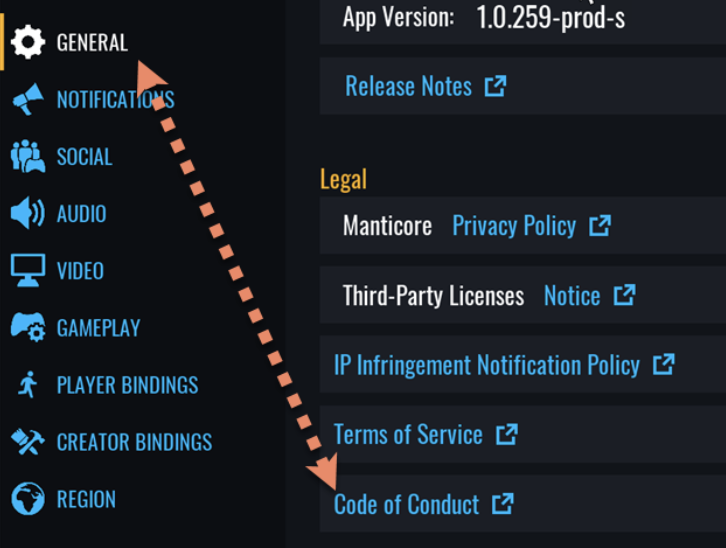
A user can be reported a few different ways:
-
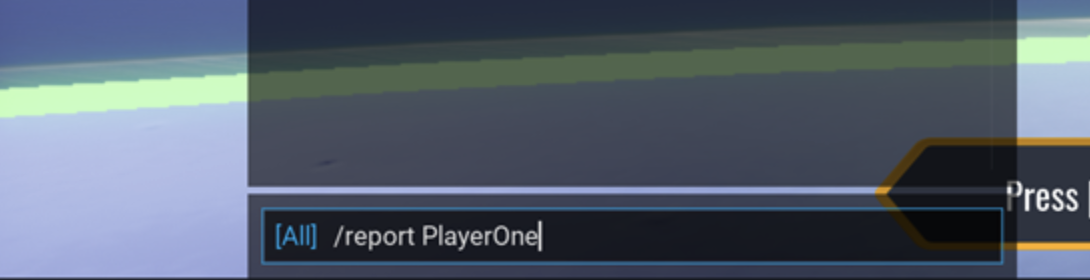
From Within Game: Open chat by pressing [Enter

-
Then type “/report <username>” where <username> is the displayed username e.g. “PlayerOne” of the user you are repof
-
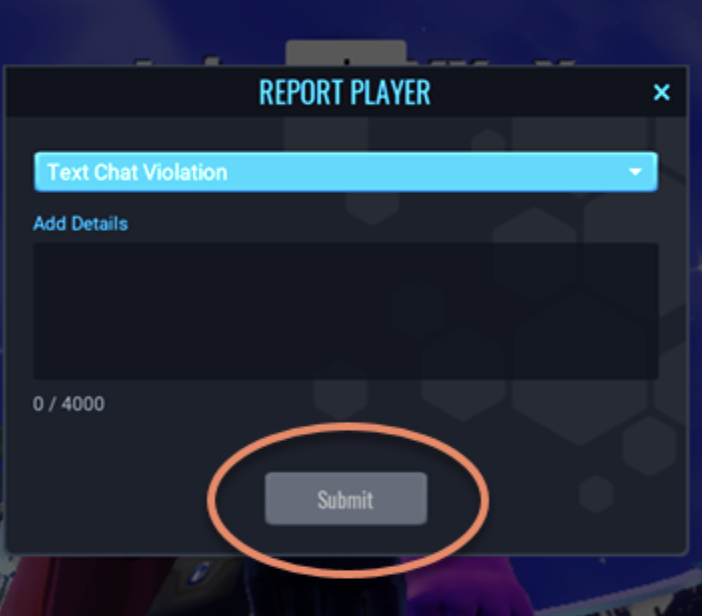
Enter pertinent information in the dialog box that appears and click submit.
-
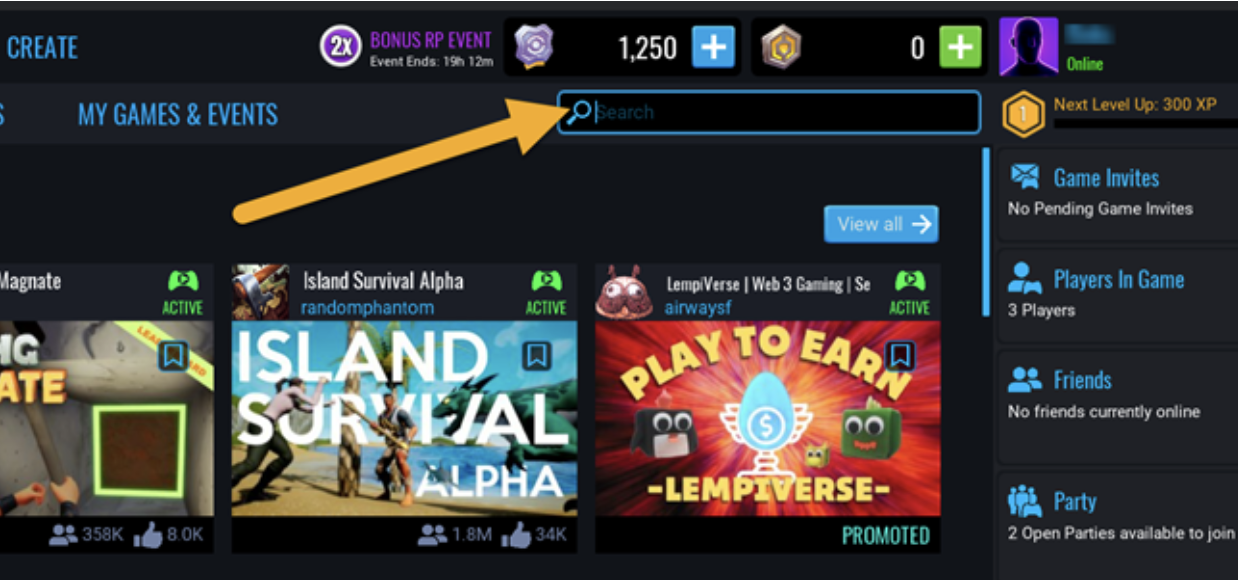
User Profile Search: Search for the user within the games portal (website or client).

-
User Profile from Game Page: If a user is also the creator of the game you are reporting from, you can click the user’s name found below the game’s title on the game page within the games portal.
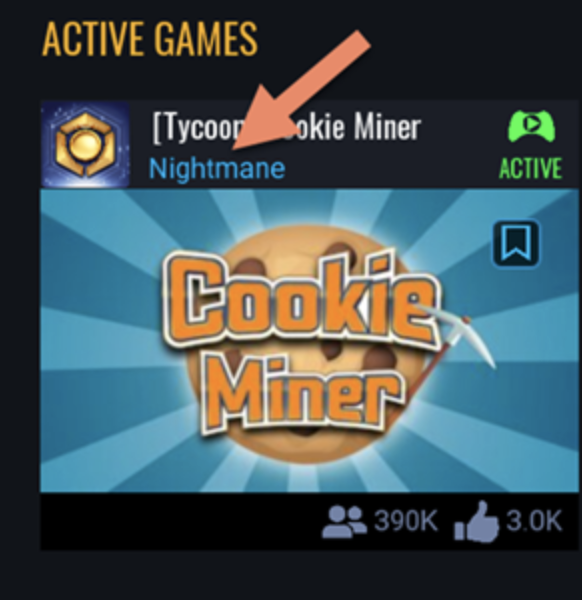
Once you have reached their profile page, click the blue square icon near the upper-right corner of the profile and click Report Player.
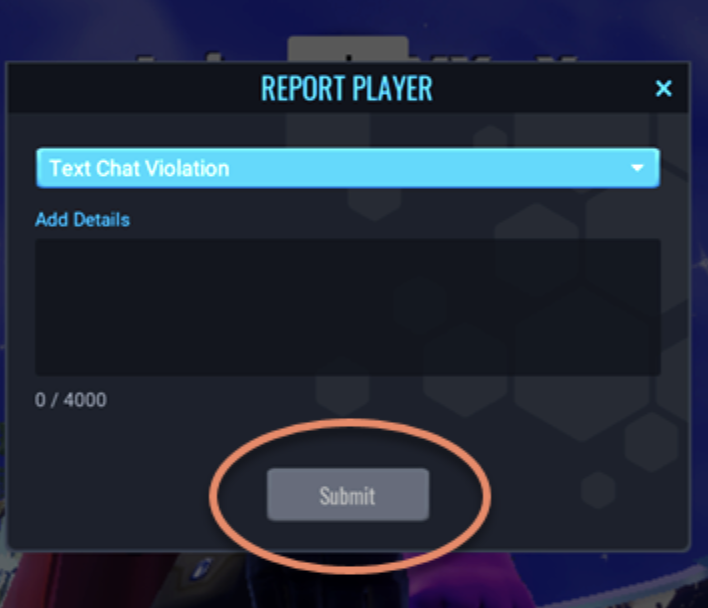
Enter pertinent information in the dialog box that appears and click submit.
For help Reporting a game, template, other content, or review, please click here.