Promoted Games Dashboard
In order to access the Promoted Games feature and dashboard, creators must have at least one game publicly published on Core
To access the Promoted Games dashboard from the Creator Portal after publishing a game:
1. Log in to Core via the website at https://www.coregames.com.
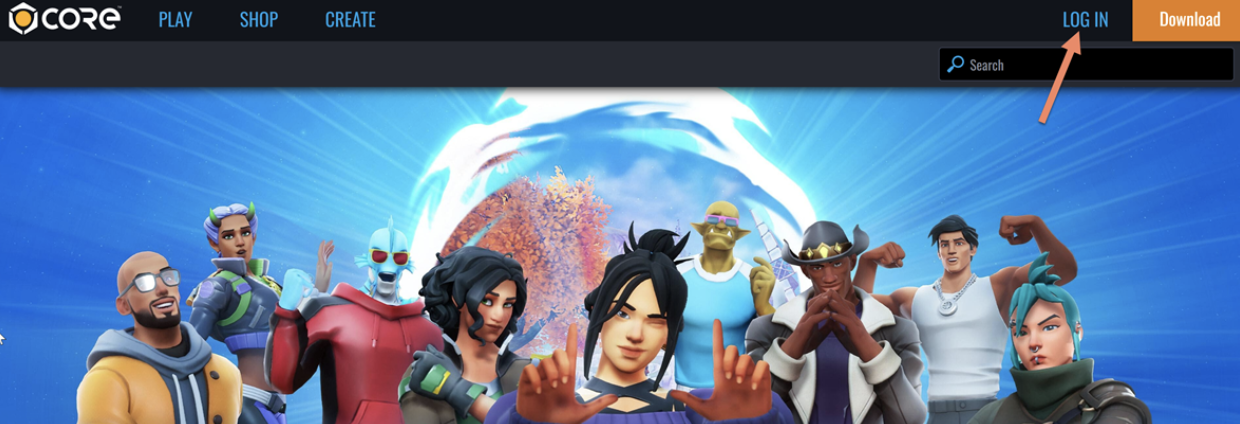
2. Click your profile dropdown in the upper right.
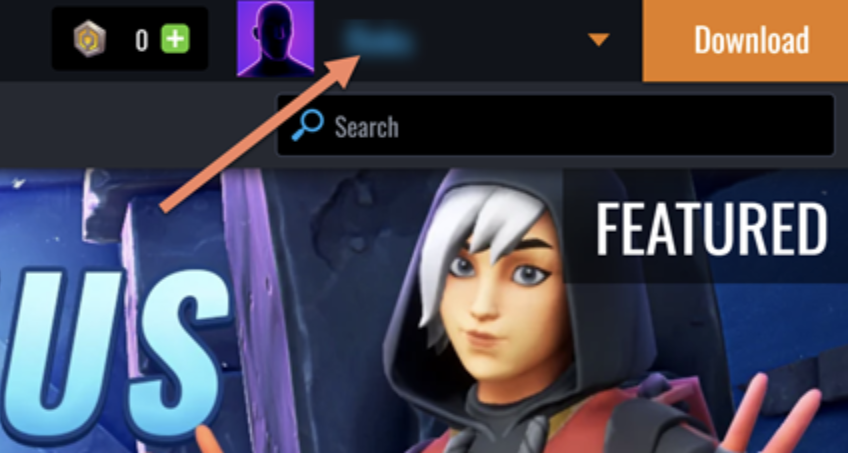
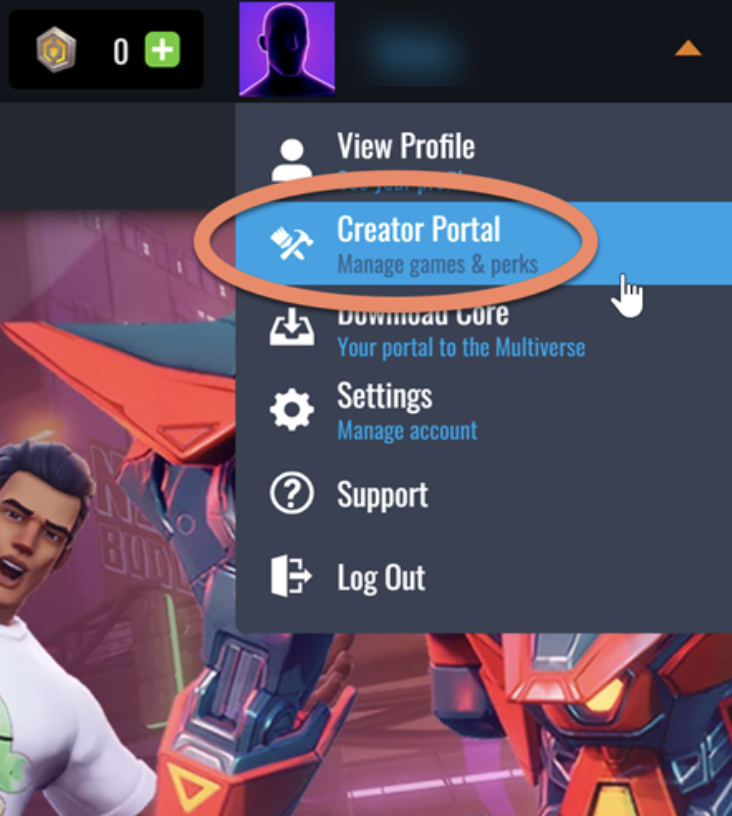
3. Select Creator Portal.
4. The Promoted Games menu option will appear on the left in the Creator Portal.
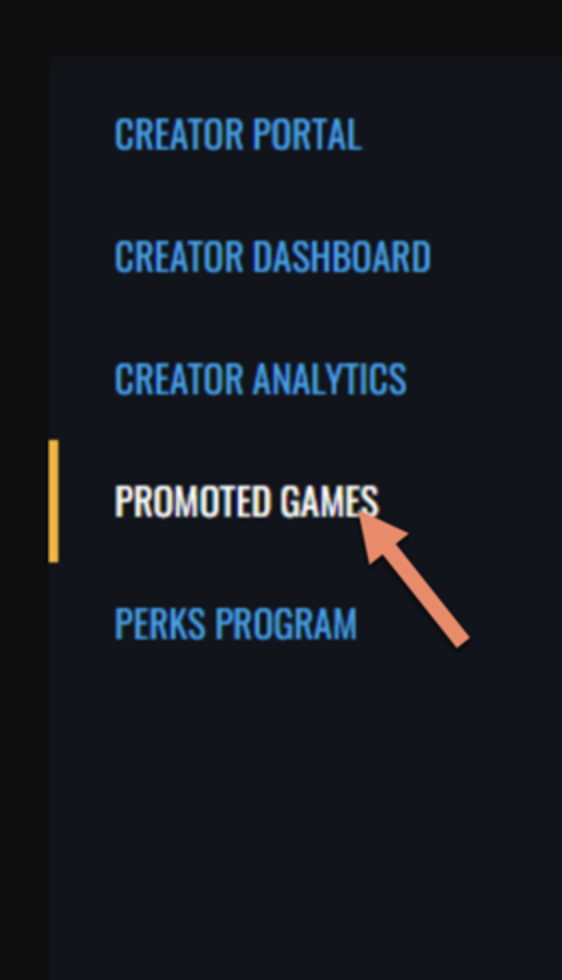
Promoted Games Dashboard
Once you have accessed the Promoted Games dashboard from the left nav, you will be presented with the following:
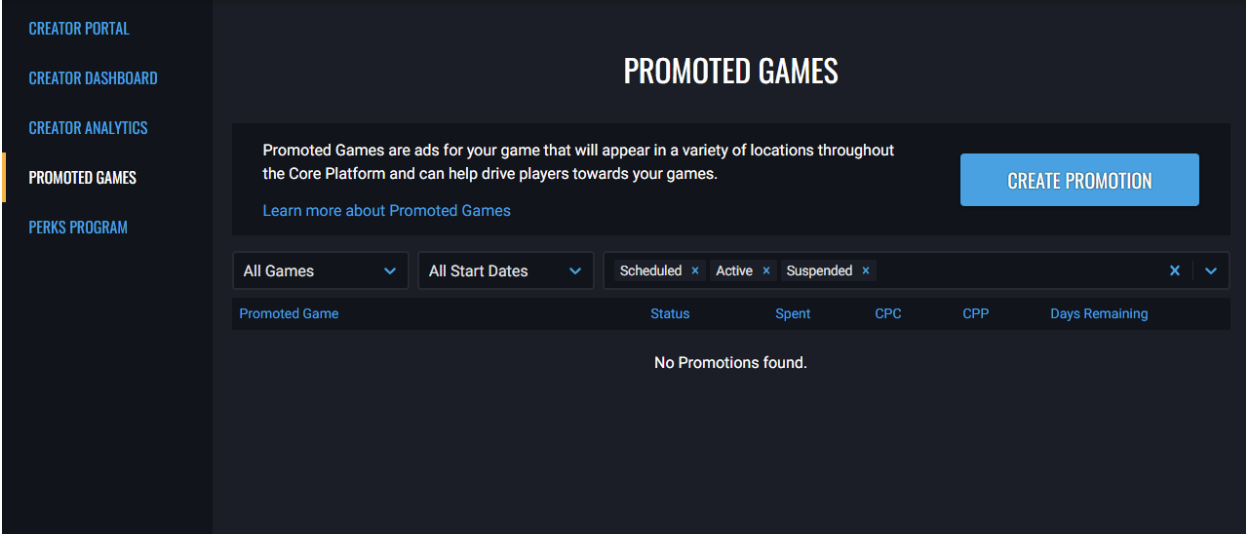
If this is your first Promo, the message No Promotions found will appear. Otherwise, all of the previous Promos that you have run will be displayed.